Display & Layouts:Display Styles
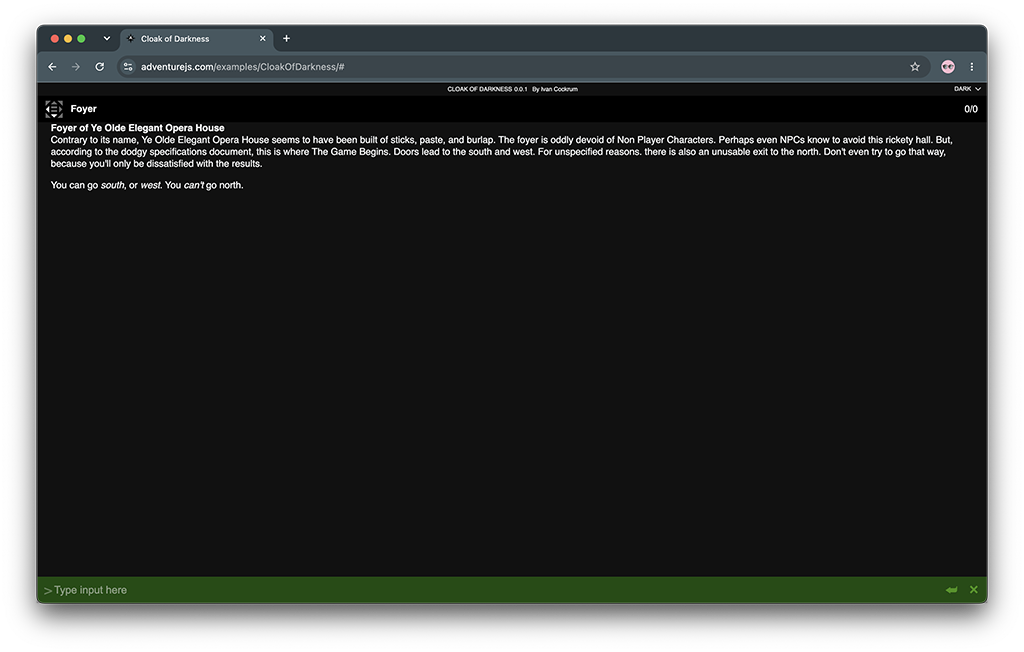
The AdventureJS game display can be configured using CSS, and offers a number of easy preset options to start with. The display comes in three main styles and several sizes. All of the options presented here are responsive and will shrink as necessary to fit the browser window.
-
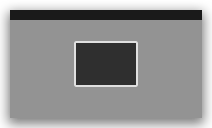
Boxdisplays have a set width and height and won't expand beyond those settings, though they are responsive and will shrink with the browser window. -
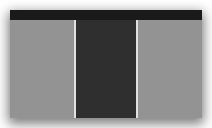
Pagedisplays have a set width and won't expand beyond that width, and expand to fill the full height of the browser window. -
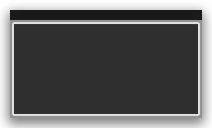
Fulldisplays expand to fill the full width and height of the browser window.
Examples
Click any size to see a screenshot and example code.
-
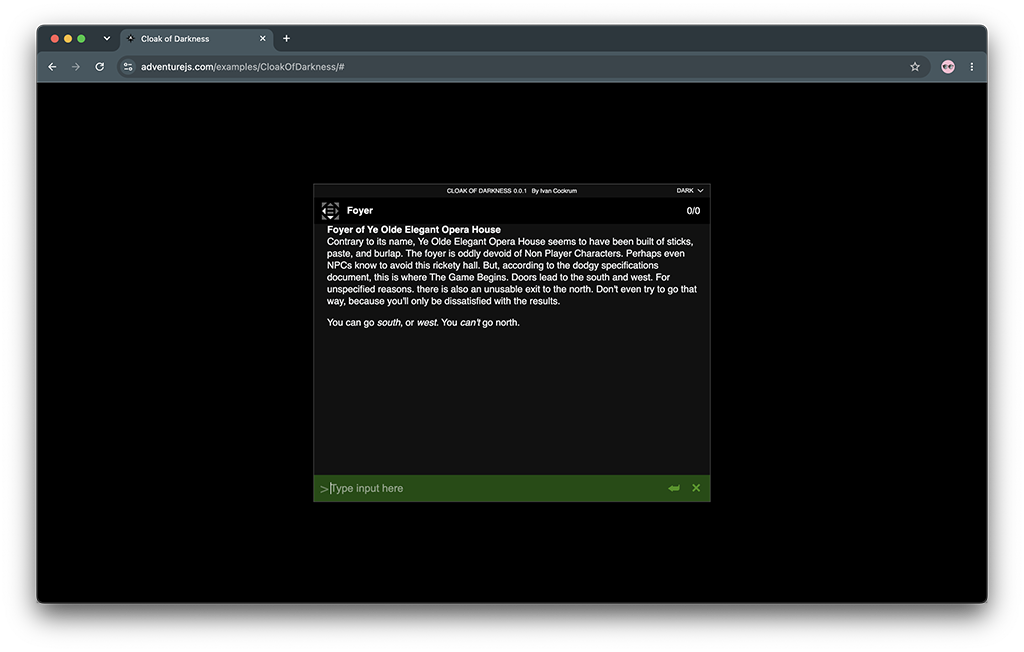
xs box 600px wide x 480px high
var MyGame = new AdventureJS.Game("MyGame", "MyGameContainer");

MyGame.settings.set({
  display: "xs box",
});
-
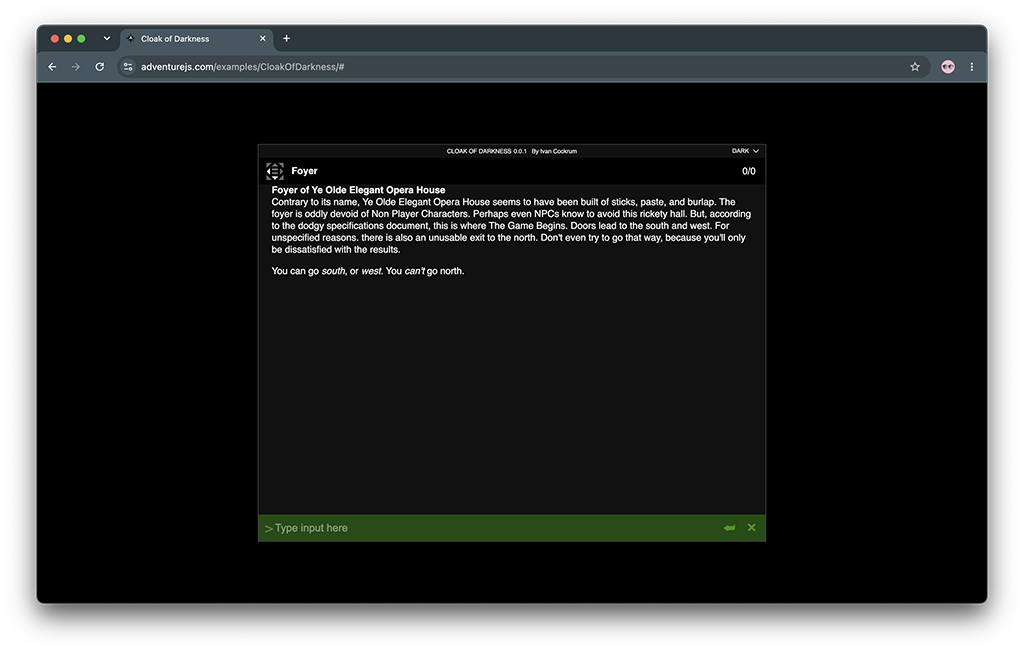
small box 768px wide x 600px high
var MyGame = new AdventureJS.Game("MyGame", "MyGameContainer");

MyGame.settings.set({
  display: "small box",
});
-
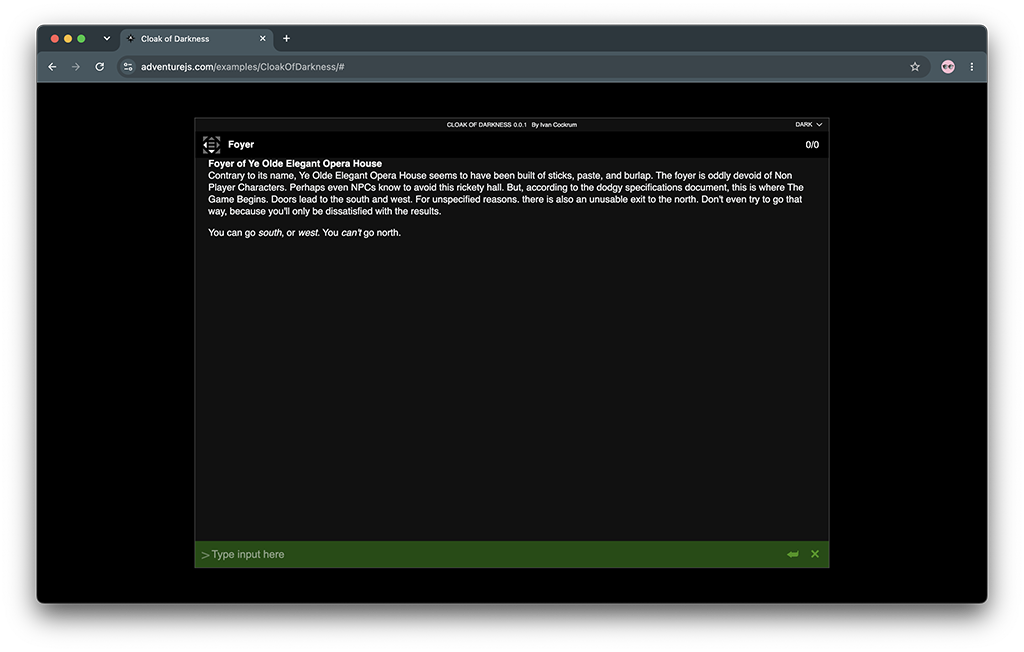
medium box 960px wide x 680px high
var MyGame = new AdventureJS.Game("MyGame", "MyGameContainer");

MyGame.settings.set({
  display: "medium box",
});
-
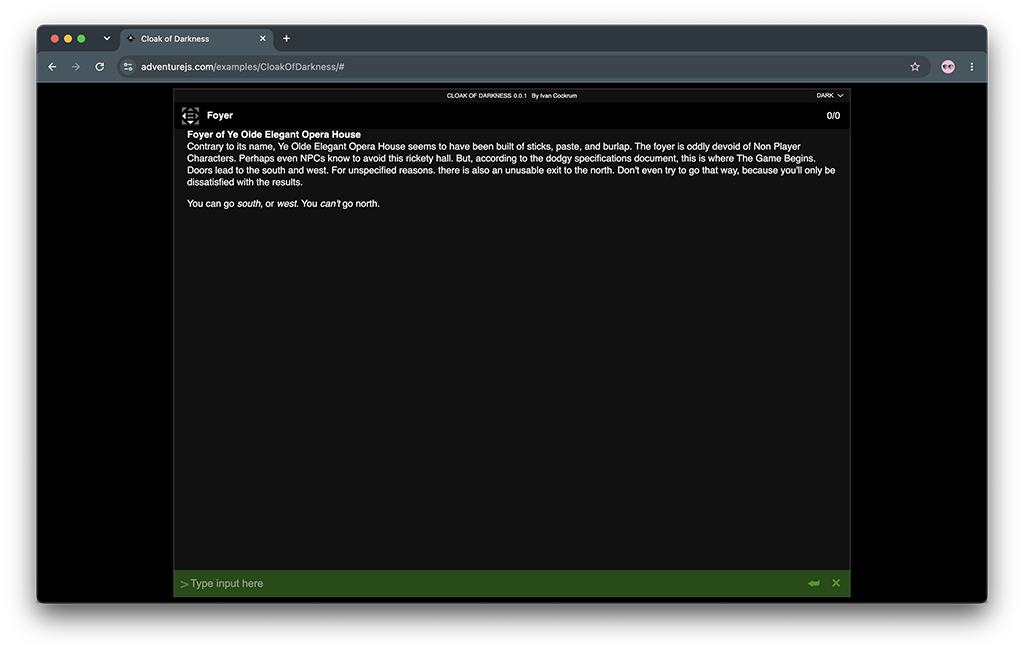
large box 1024px wide x 768px high
var MyGame = new AdventureJS.Game("MyGame", "MyGameContainer");

MyGame.settings.set({
  display: "large box",
});
-
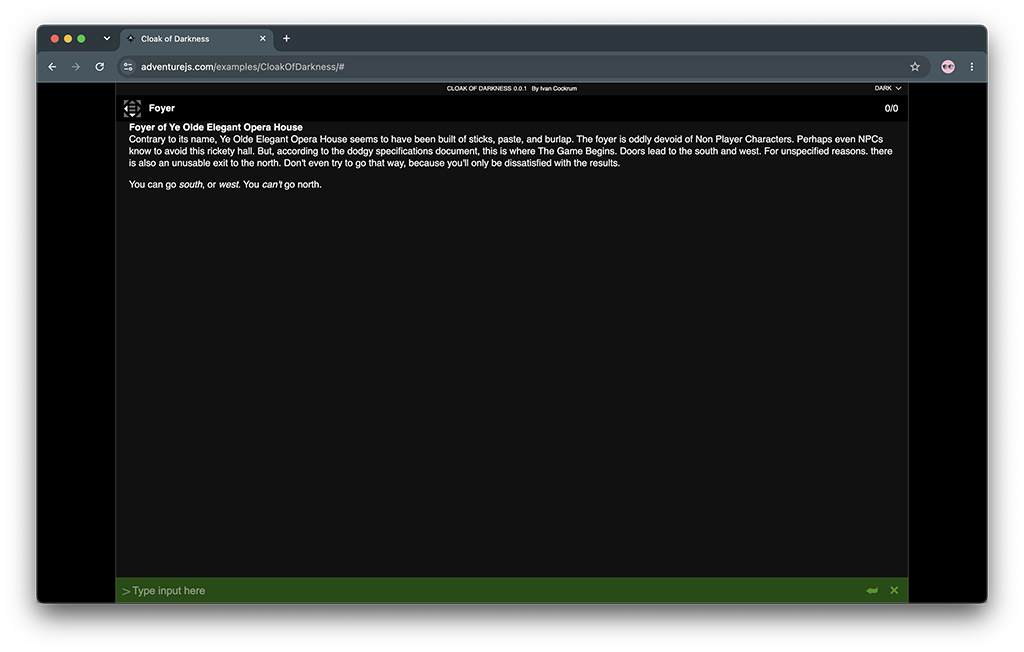
xl box 1200px wide x 1024px high
var MyGame = new AdventureJS.Game("MyGame", "MyGameContainer");

MyGame.settings.set({
  display: "xl box",
});
-
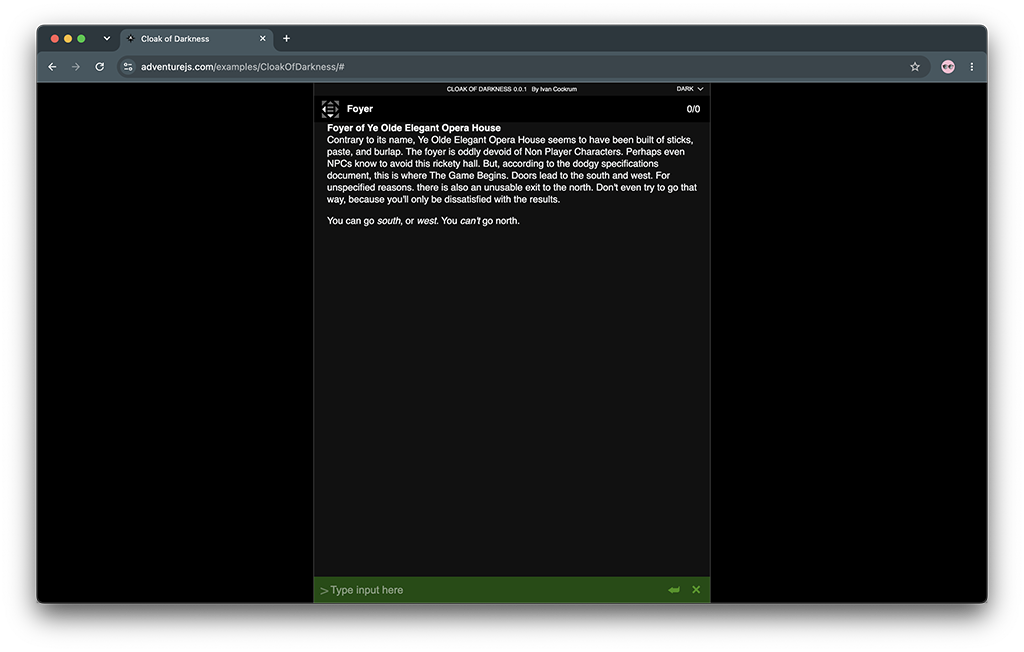
xs page 600px wide x 100% high
var MyGame = new AdventureJS.Game("MyGame", "MyGameContainer");

MyGame.settings.set({
  display: "xs page",
});
-
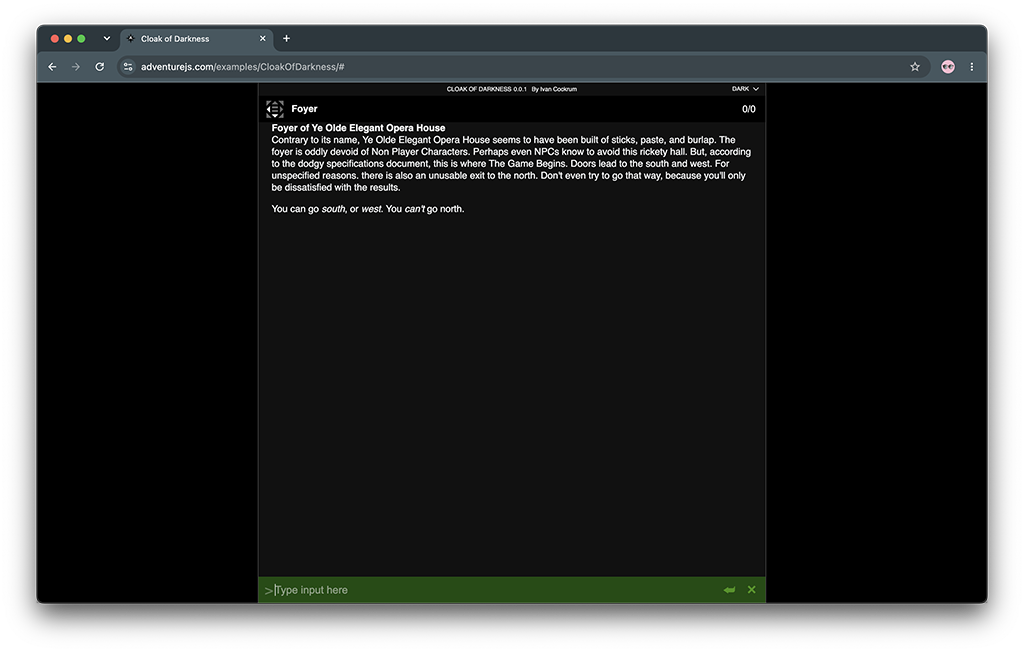
small page 768px wide x 100% high
var MyGame = new AdventureJS.Game("MyGame", "MyGameContainer");

MyGame.settings.set({
  display: "small page",
});
-
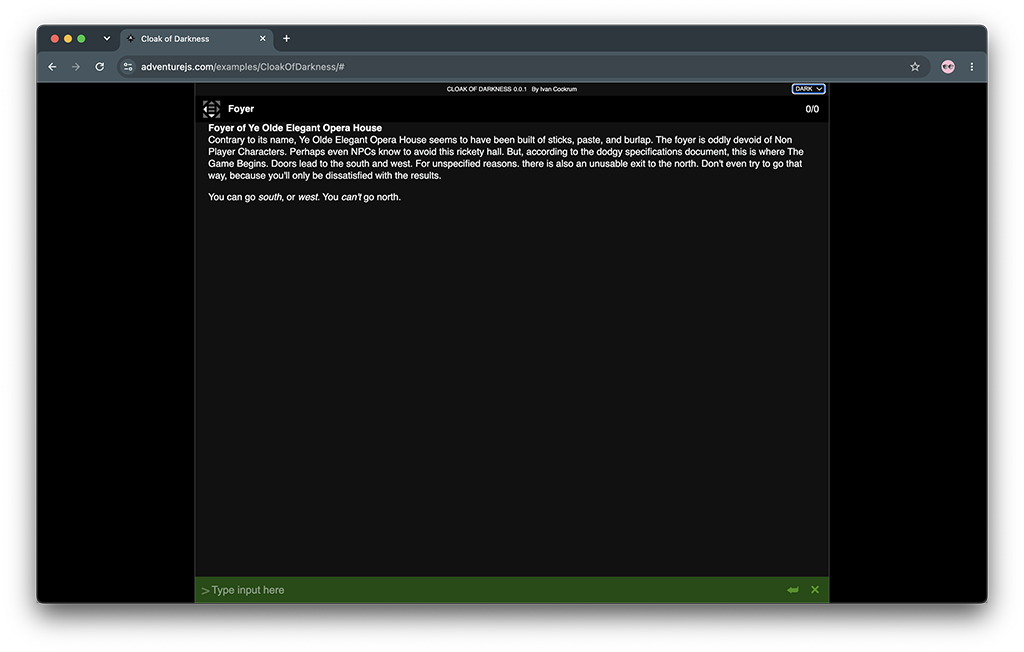
medium page 960px wide x 100% high
var MyGame = new AdventureJS.Game("MyGame", "MyGameContainer");

MyGame.settings.set({
  display: "medium page",
});
-
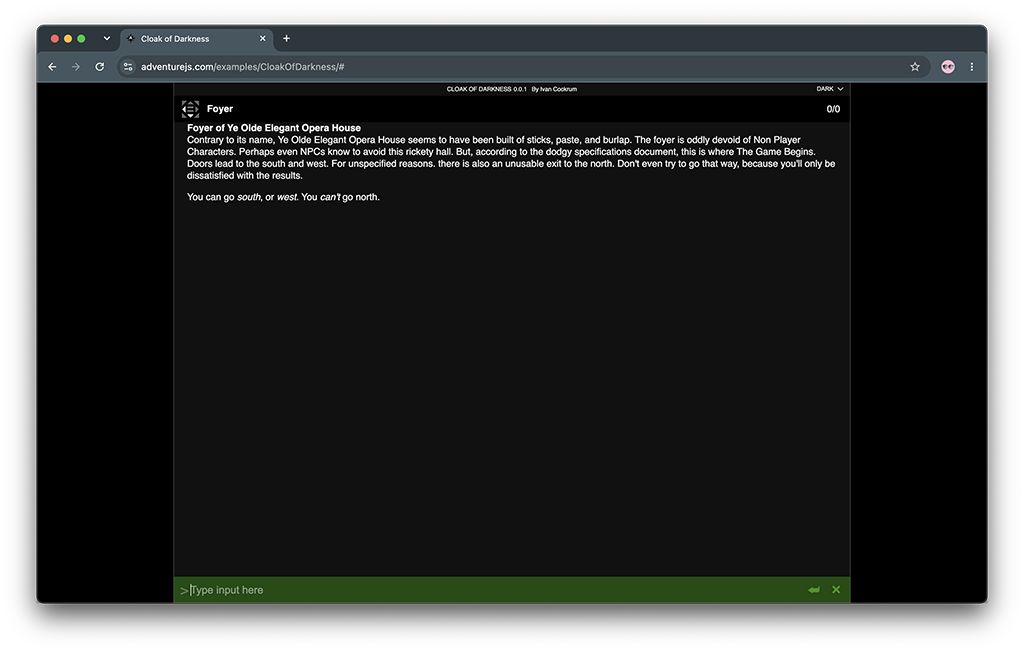
large page 1024px wide x 100% high
var MyGame = new AdventureJS.Game("MyGame", "MyGameContainer");

MyGame.settings.set({
  display: "large page",
});
-
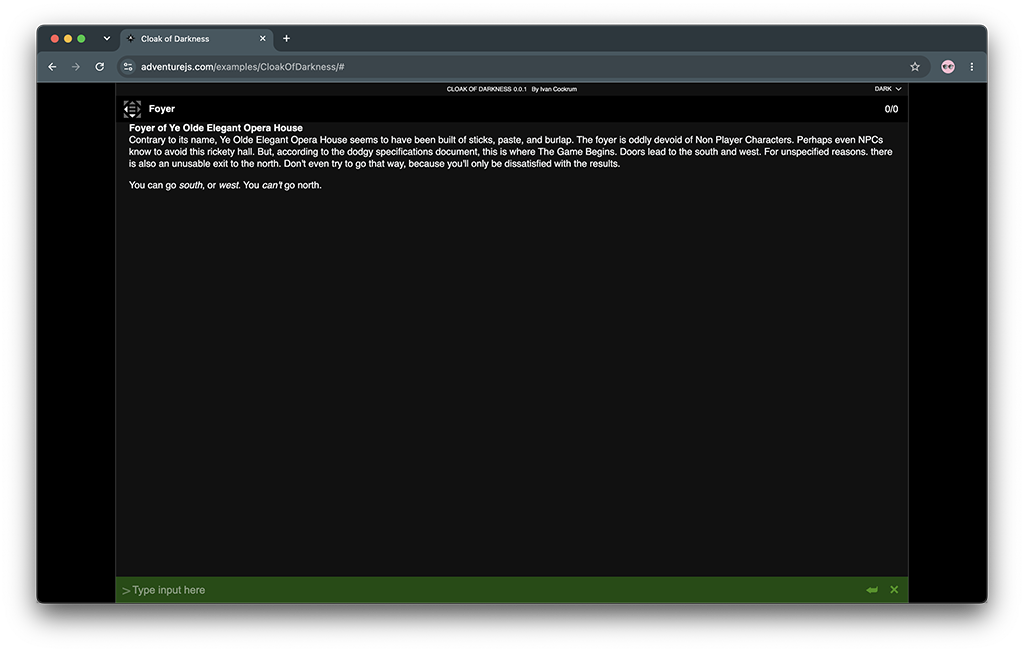
xl page 1200px wide x 100% high
var MyGame = new AdventureJS.Game("MyGame", "MyGameContainer");

MyGame.settings.set({
  display: "xl page",
});
-
full 100% wide x 100% high (full window)
var MyGame = new AdventureJS.Game("MyGame", "MyGameContainer");

MyGame.settings.set({
  display: "full",
});